Professionals who handle databases regularly require SQL development tools. These tools simplify the processes of writing SQL, testing queries, and managing code. They increase efficiency in database development and administration.
Let’s compare some top professional SQL tools. We’ll highlight key features and typical uses to guide your decision.
What Is an SQL Editor (IDE)?
An SQL editor — often called an SQL IDE — functions as the primary environment where SQL code is developed and maintained. This is the main interface used by developers, DBAs, and data professionals to compose queries, run tests, debug issues, and manage SQL scripts effectively.
At its simplest, an SQL editor is a place to run queries. In professional work, it becomes much more than that.
A modern SQL IDE combines:
- Intelligent code completion and snippet libraries for rapid query writing.
- Real-time syntax validation and error highlighting for clean code.
- Visual execution plan analysis to optimize query performance.
- Interactive schema explorers for easy database object navigation.
- Tools for comparing database structures and syncing changes.
- Native integration with Git and other version control systems.
- Robust data management for editing, importing, exporting, and generating test data.
- Step-through debugging capabilities for stored procedures and functions.
- Automation features for scheduling and streamlining repetitive tasks.
With the IDE, you avoid switching among multiple utilities. Database development tasks and routine maintenance all happen inside a single integrated environment.
Essential SQL Tools for Developers and DB Professionals
Selecting an effective SQL tool can significantly boost efficiency. The following options are popular among professionals for their reliable functionality, built to address standard needs across development and administration processes involving databases.
1. dbForge Studio
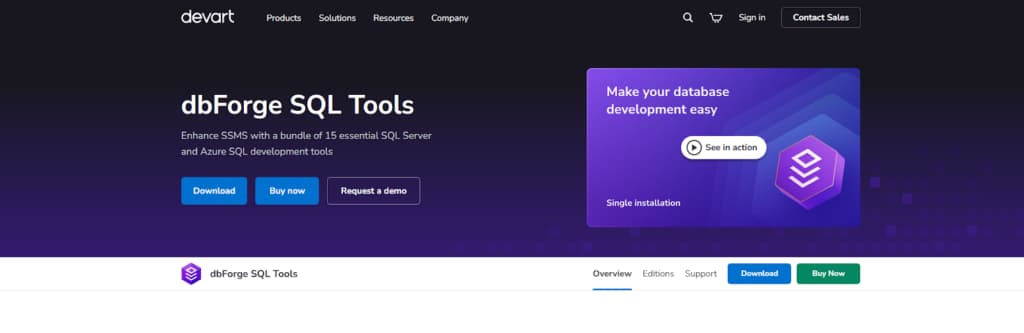
dbForge Studio offers professional SQL Development tools, mainly through two key products. One is their dedicated IDE for MySQL and MariaDB, a comprehensive environment for database work. The other is a suite of add-ins for Microsoft’s SSMS.
This bundle provides specialized utilities that handle the complete development and management lifecycle for SQL Server and Azure SQL databases, all within the familiar SSMS interface.
Why It Stands Out
These tools stand out because of their focused and thorough design. MySQL users get Studio, a complete development environment built specifically for that platform. For SQL Server, the package works differently — it adds essential utilities straight into SSMS, turning the familiar interface into something much closer to a full professional suite.
The result is smoother automation that covers development work, management duties, and day-to-day operations without forcing you to switch contexts.
Its core strengths include:
- Comprehensive toolset: SQL coding, unit testing, schema/data comparison, monitoring, and index management.
- Integrated DevOps: Automation for consistent database development, testing, and deployment.
- AI assistance: Built-in AI for code generation, documentation, and data tasks.
- Platform coverage: Native, high-quality support for MySQL/MariaDB and Microsoft SQL Server/Azure SQL.
This dual approach provides deeply specialized, high-productivity solutions for professionals working with these dominant database platforms.
2. PopSQL
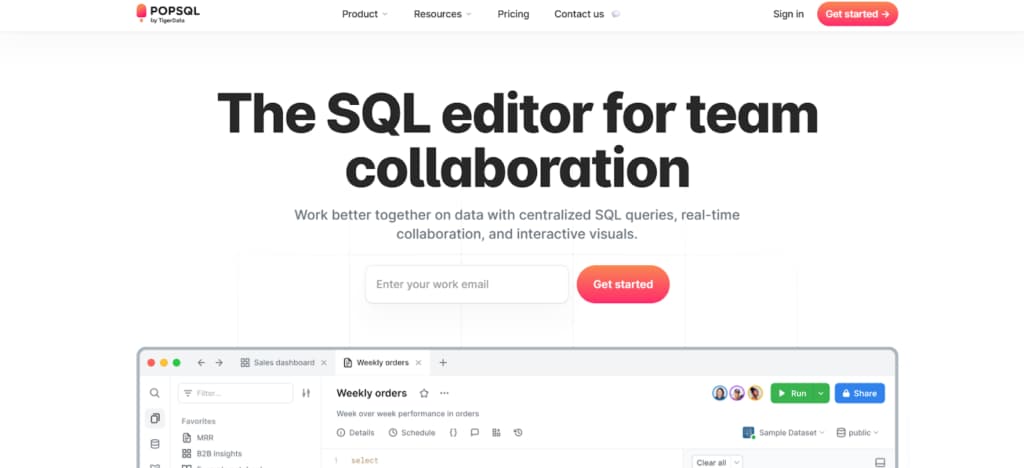
PopSQL is a web-first SQL tool made for data professionals working together. Teams get a central editor where everyone can create, modify, and execute queries simultaneously. It supports nearly all the main databases and cloud warehouses out there. So it becomes the go-to platform for both SQL development and exploring data.
Why It Stands Out
This professional SQL tool stands out for its strong focus on collaboration and workflow integration. It targets team productivity challenges beyond individual coding speed.
The tool supports real-time collaborative editing, shared database connections, query version history, and native visualization tools. The combination allows teams to retain knowledge, reduce redundant questions, and produce insights from data more quickly.
Enterprise security features, combined with Slack and Git integrations, make it a full-featured solution for data teams that require collaboration.
3. Adminer
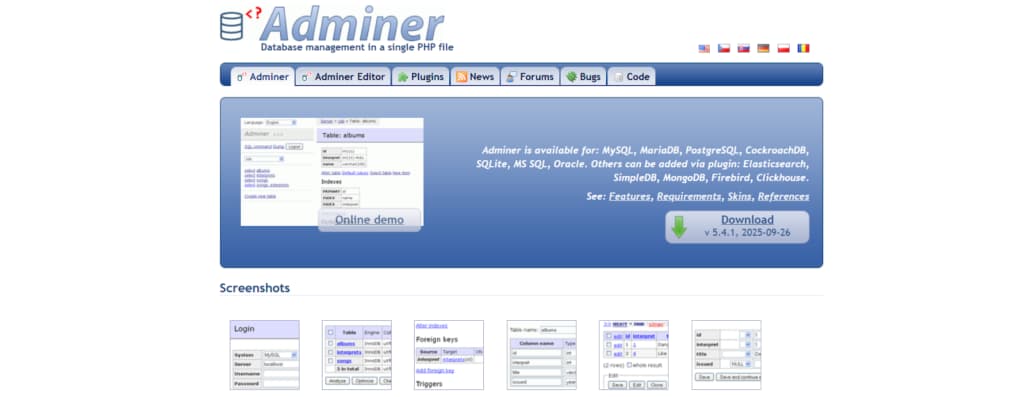
Adminer is a single-file, lightweight tool for database management. It gives professionals a web-based interface to carry out standard tasks: query execution, schema handling, and direct data modification. Setup involves uploading a single PHP file to any server.
Why It Stands Out
What makes Adminer notable is its combination of minimalism and robust functionality. The tool consists of just one file, making it exceptionally easy to install and maintain.
Despite this simplicity, it incorporates serious security features as standard, including password requirements and connection limits. This approach delivers a fast, reliable tool for direct database work without unnecessary complexity.
Notable features:
- Extremely portable single-file architecture;
- Strong default security configuration;
- Quick deployment and minimal maintenance;
- Focused on essential administration tasks.
4. RazorSQL
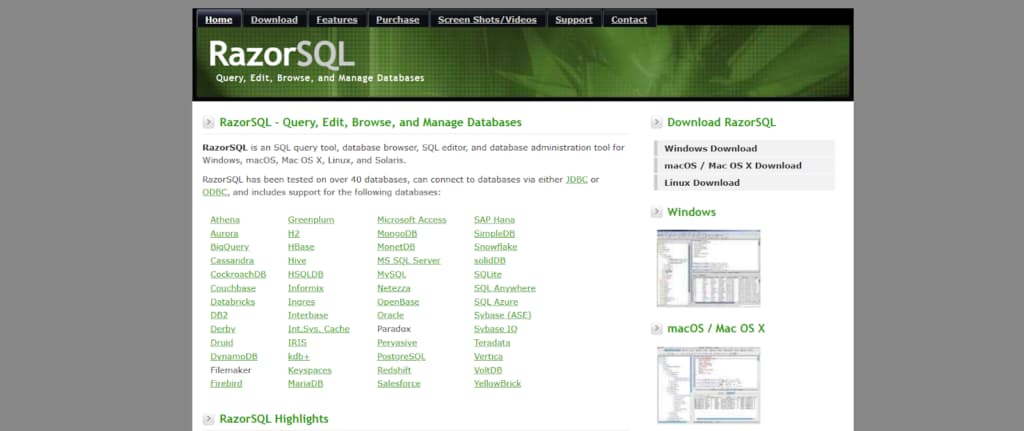
RazorSQL functions as a comprehensive SQL tool that operates across multiple platforms. It combines query editing, database browsing, and admin capabilities. Visual tools are available for object management, query building, and data handling. Supported databases cover MySQL, Oracle, MongoDB, Cassandra, and others.
Why It Stands Out
The key strengths of this SQL tool are its broad database support and integrated feature set. It connects to an unmatched variety of database systems, both SQL and NoSQL. The visual tooling reduces the need for manual SQL scripting in daily administration tasks.
Furthermore, its built-in local database and multi-language editor provide a self-contained environment for database development and testing across different technologies.
5. DbVisualizer
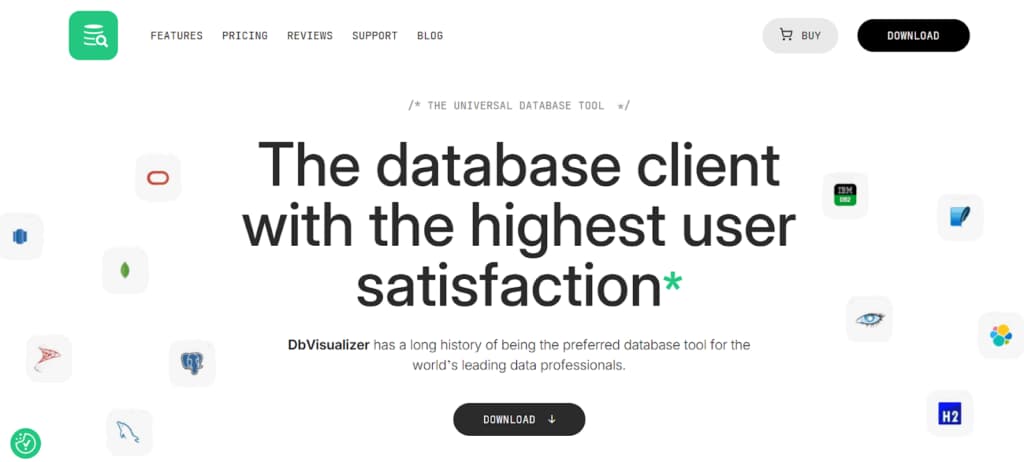
DbVisualizer is a comprehensive, all-in-one database tool created for experienced users. It connects to a wide variety of database management systems through a single application.
Among its main components are an advanced SQL query editor, database navigation and browsing utilities, graphical data presentation features, and tools for handling database objects. Built in Java, it delivers consistent performance on Windows, macOS, and Linux environments.
Why It Stands Out
DbVisualizer stands out through solid support for a large number of database systems alongside an approachable and intuitive interface. Connections work smoothly across platforms. Users rate the overall experience highly for its dependability and ease of navigation.
Notable strengths:
- Broad compatibility with SQL and NoSQL databases;
- Visual query construction and data presentation;
- Built-in version control integration;
- Comprehensive security options;
- True cross-platform functionality.
These features position it as a versatile solution for managing diverse databases.
6. SQuirrel SQL
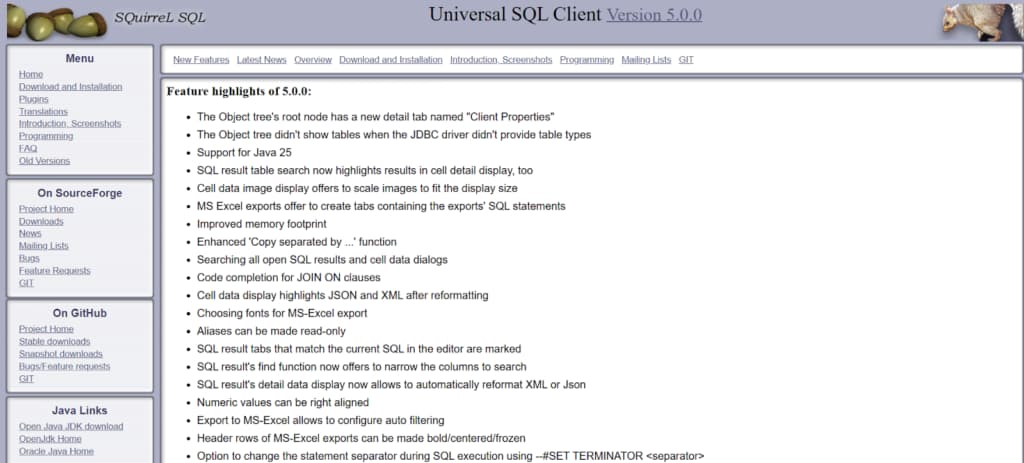
SQuirreL SQL Client is free open-source software in Java, aimed at people who work with databases. Through its GUI, you can look through database objects, run queries, and check the output — it connects to anything that supports JDBC. The design stays clean and uncluttered on purpose, but it’s easy to extend with add-ons if you want.
Why It Stands Out
This tool offers an uncomplicated option for database work. Its open-source nature and Java foundation enable operation on various platforms without financial investment. The extensible plugin system facilitates community-driven enhancements.
For standard database browsing, query execution, and administrative functions, it provides reliable functionality that continues to meet professional needs.
Conclusion
The choice of SQL development tool influences efficiency in database work to a meaningful degree. Each of the solutions presented here includes capabilities tailored to various user roles and tasks within development and administration.
Evaluation should focus on practical criteria: the range of available functions, options for team-based work, security provisions, and cross-platform operation. This approach helps identify the tool that aligns best with current requirements and supports more effective management of databases.